

Overview
As a company, we have struggled to ensure our student users understand how the earnings on RaiseMe work. With the success of our iOS app launch, we saw a decrease in student confusion tickets from users of the app. Some of that success was attributed to educating and delighting our users with animated slides prior to the user creating their account.
My Role
We had yet to tackle something this ambitious in-house, so I stepped up to the plate to deliver on multiple fronts: collaborating, ideating, designing, animating, recording music and voiceover audio. It was a 3 month project that I balanced with my product design and marketing design workload.
Problem
Although we decreased student confusion support tickets with animated onboarding slides in the iOS app launch, we still had confusion from other users and a fair share of student and parent support tickets.
RaiseMe can be tricky to explain, so even our Student Growth/Outreach team leads and our Business Development leads were looking for an asynchronous way to share how RaiseMe works and what problem we are solving.
We saw confusion around:
Whether the scholarship money could have been earned from the college without using RaiseMe
That the scholarship money comes from the college (not RaiseMe) in the form of traditional institutional grants and/or scholarships
That the money is not “in-addition-to” their scholarship awards from a college
Hypothesis
By creating an explainer animation aimed at students, we can clearly and cohesively communicate how RaiseMe works to a variety of users and potential college partners.
Goal
Create a reusable Explainer Animation that teams across the company can use to reduce overall confusion around the product and the problems we solve.
Success Metrics
Reduce the volume of student confusion support tickets from 20% of total tickets to 15%.
Discovery & Research
I looked at examples in the animated explainer video space for inspiration and competitive research. The examples I loved the most were delivery teams of 13+ people, so I had to make sure I scoped appropriately since the designing and animating would be done by me.
Collaborating with Stakeholders
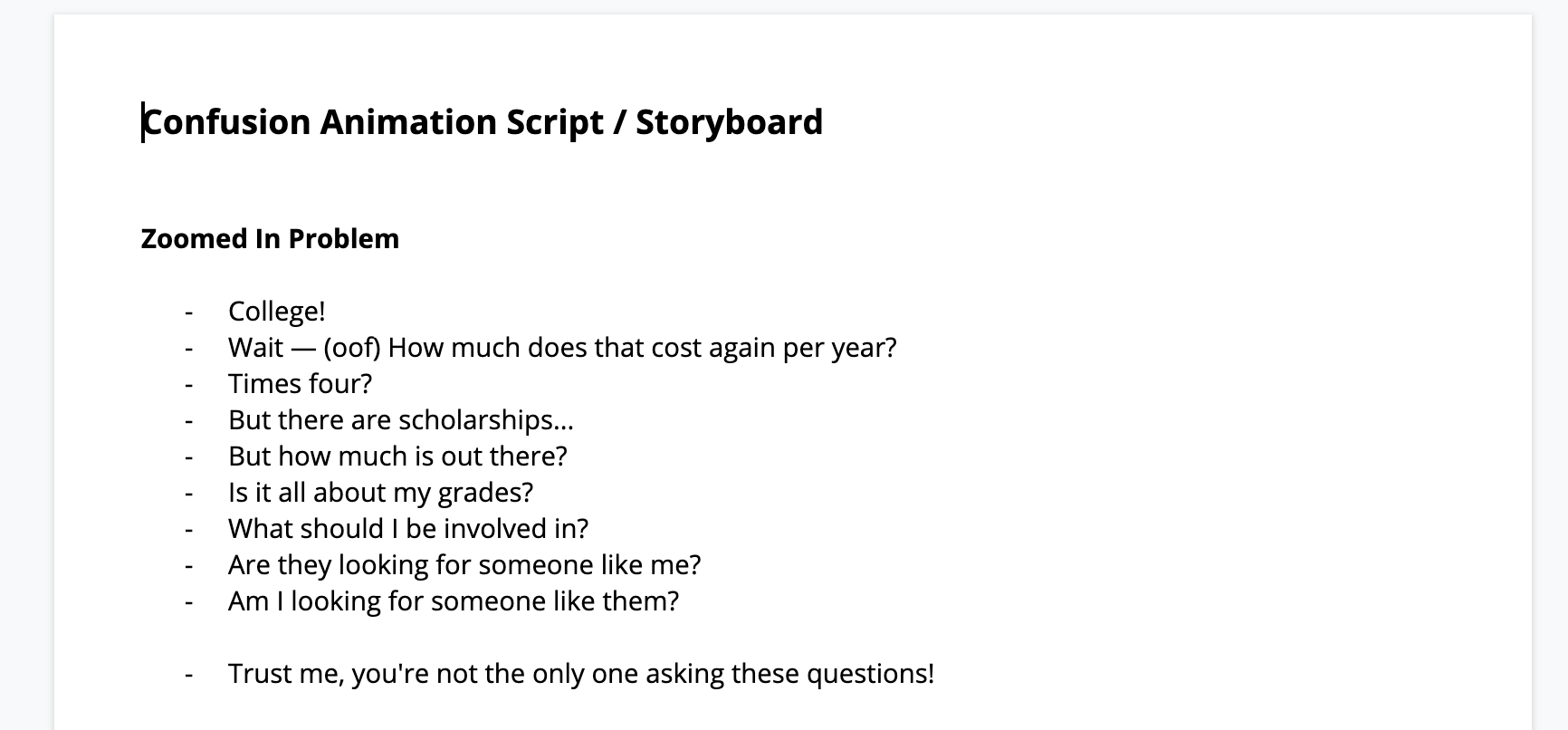
I worked with the Product Manager, and leads on the Marketing and Growth team to solidify the video script. It was helpful to read it aloud and define the cadence, inflections, etc. so that I could begin storyboarding some rough ideas. Our Growth lead was especially integral to the process, as she was an expert in explaining RaiseMe in classrooms to students and teachers over the last five years.
Ideation
I brainstormed initial visual concepts with the PM, Marketing lead and Growth lead. I found trying to define visuals at this loose stage with the team gave me a better idea of what imagery was clear and inline with how it’s explained at conferences and in classrooms.
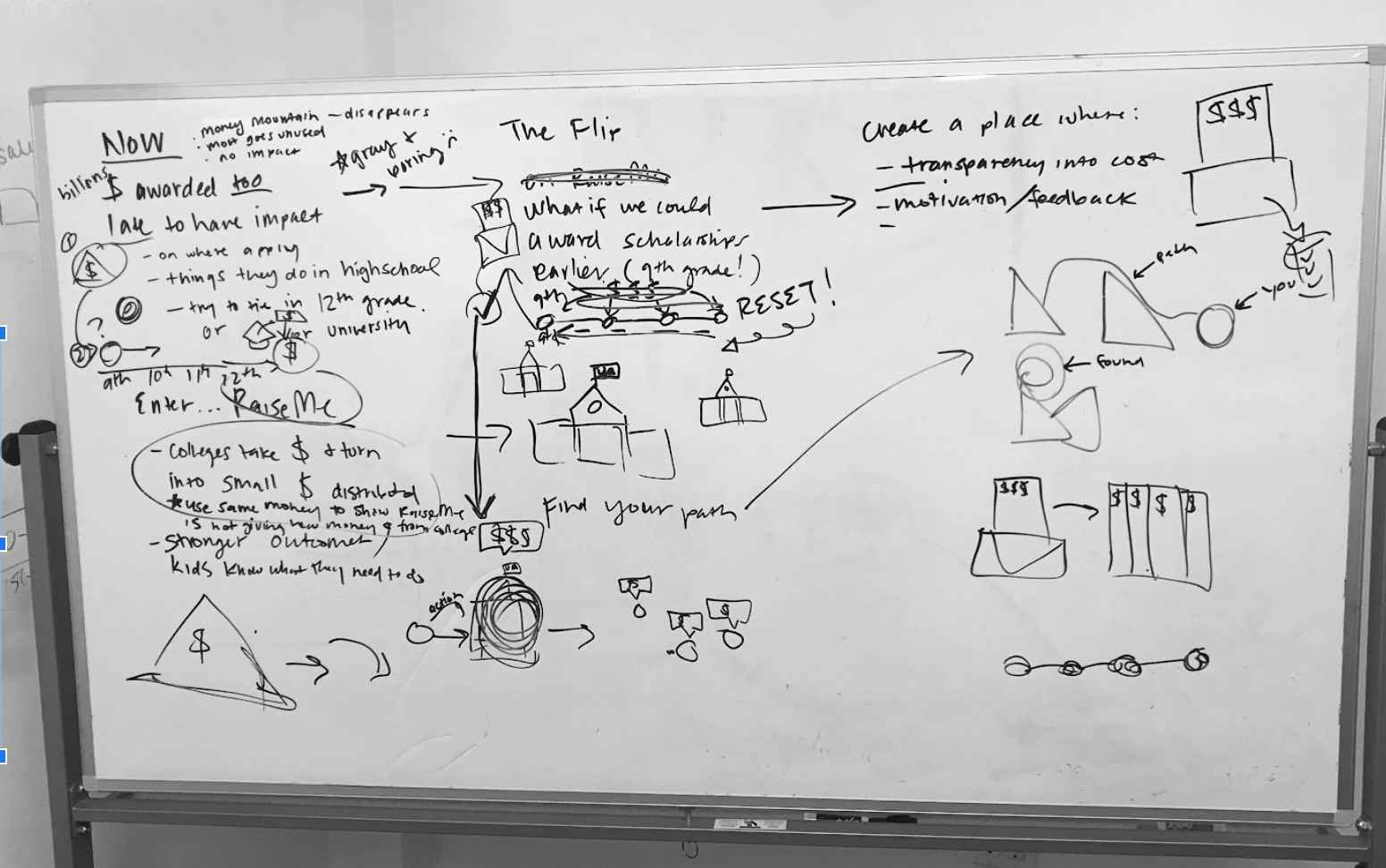
Knowing I would be using Adobe After Effects to animate, I illustrated rough concepts in Adobe Illustrator to test them out and see whether they visually fit and could flow form one point in the script to the next.
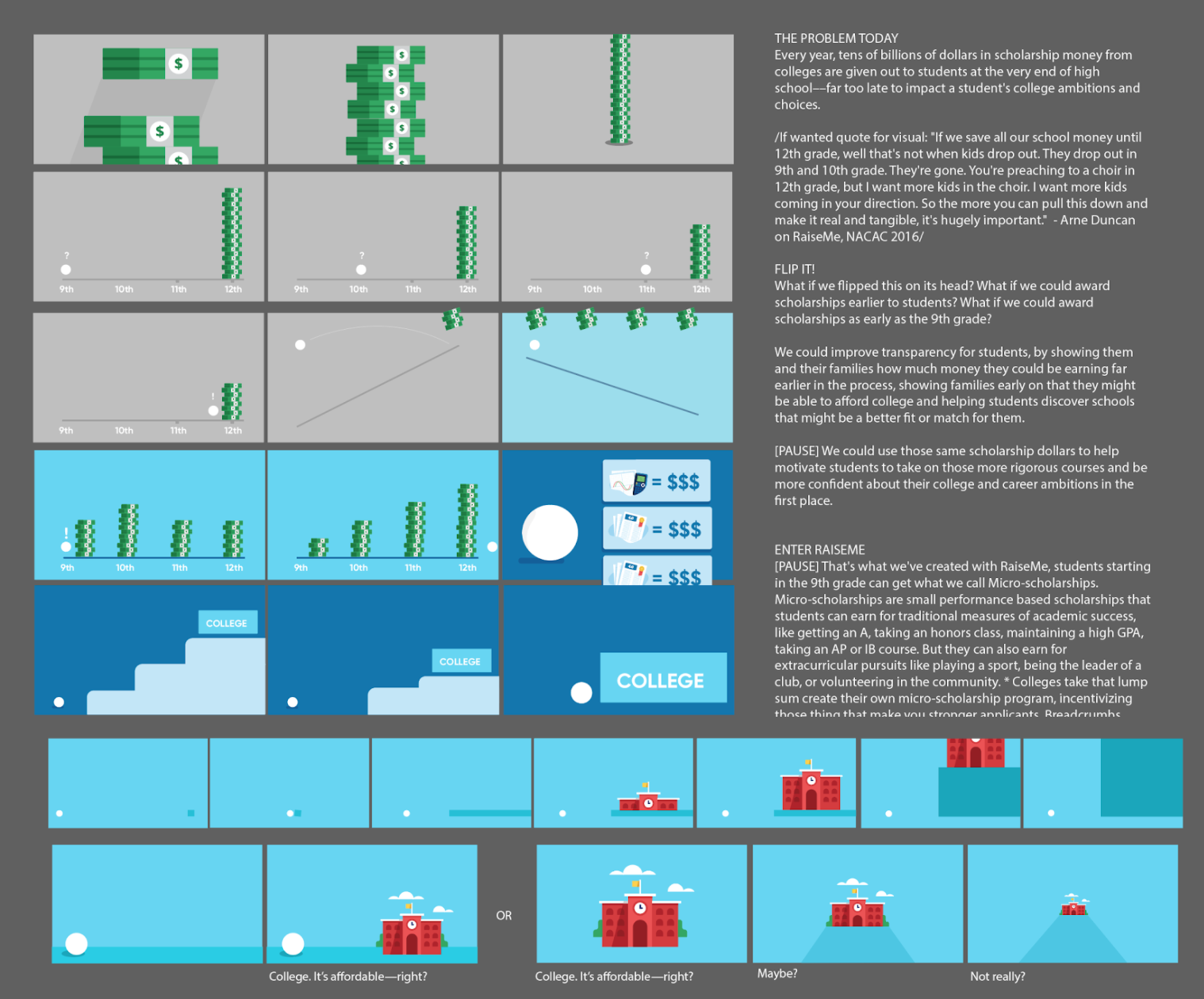
Then I continued to prove out concepts, getting more granular and defining color and transitions based on the script.
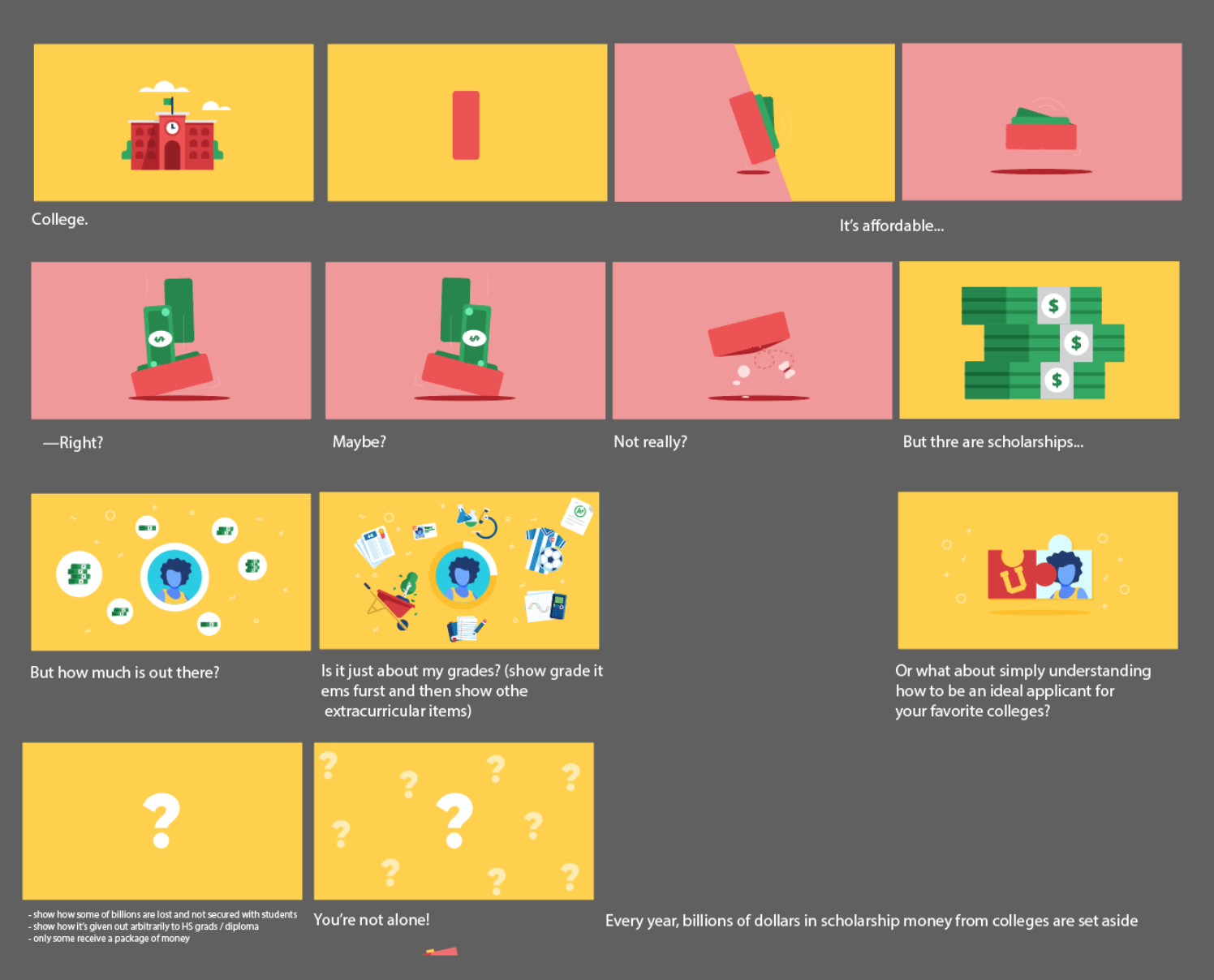
Next, I checked in with stakeholders to define which micro-scholarships they preferred be visualized. Small details like the specific grades on a paper or type of extra-curricular were all defined to make sure we were communicating how inclusive the opportunities to earn scholarships are. Because this would be used for a variety of purposes, we wanted to make sure it was inclusive to students, parents, educators and prospective college partners.
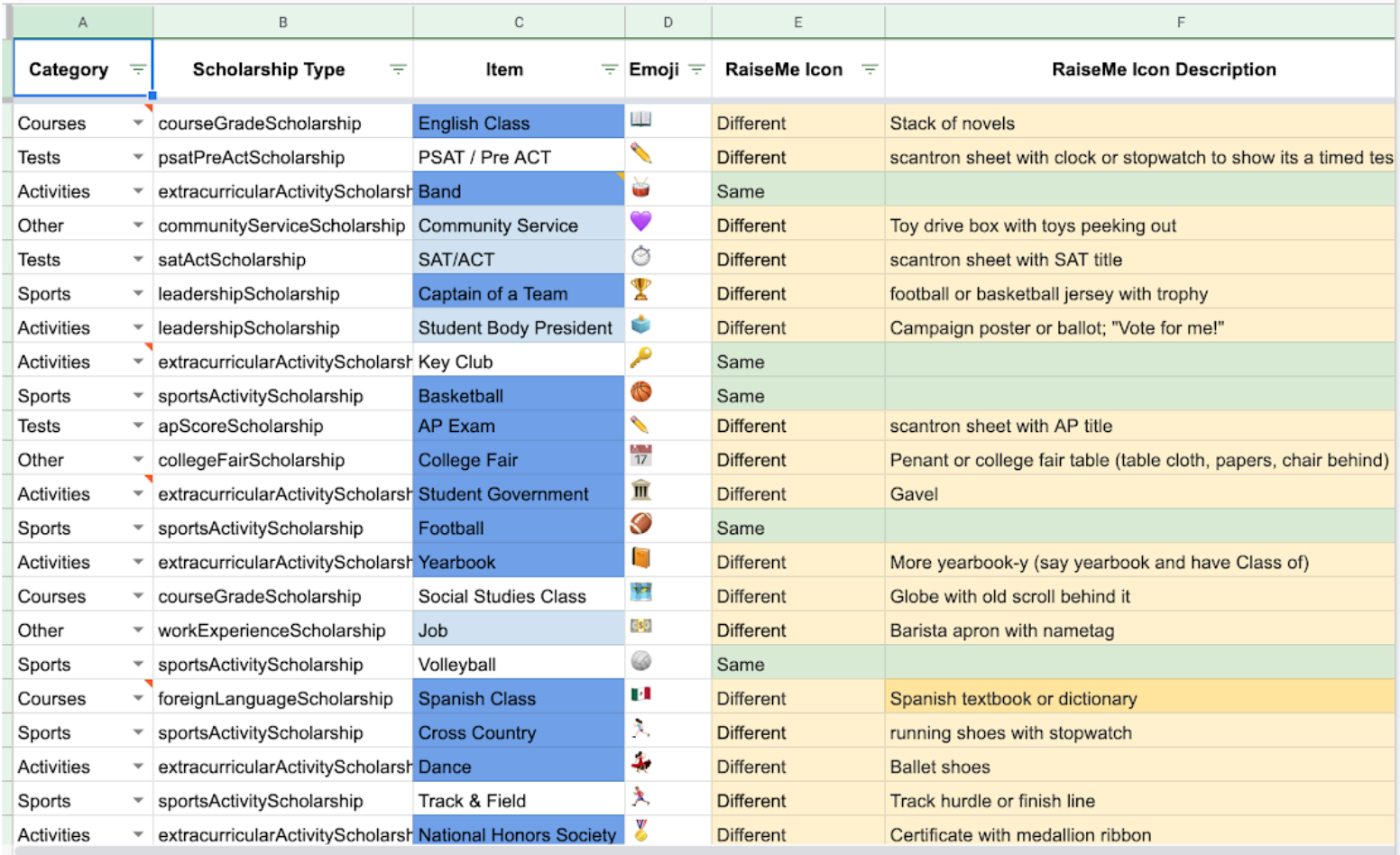
I worked with Marketing and oversaw the Marketing Designer on the creation of icons for the animation
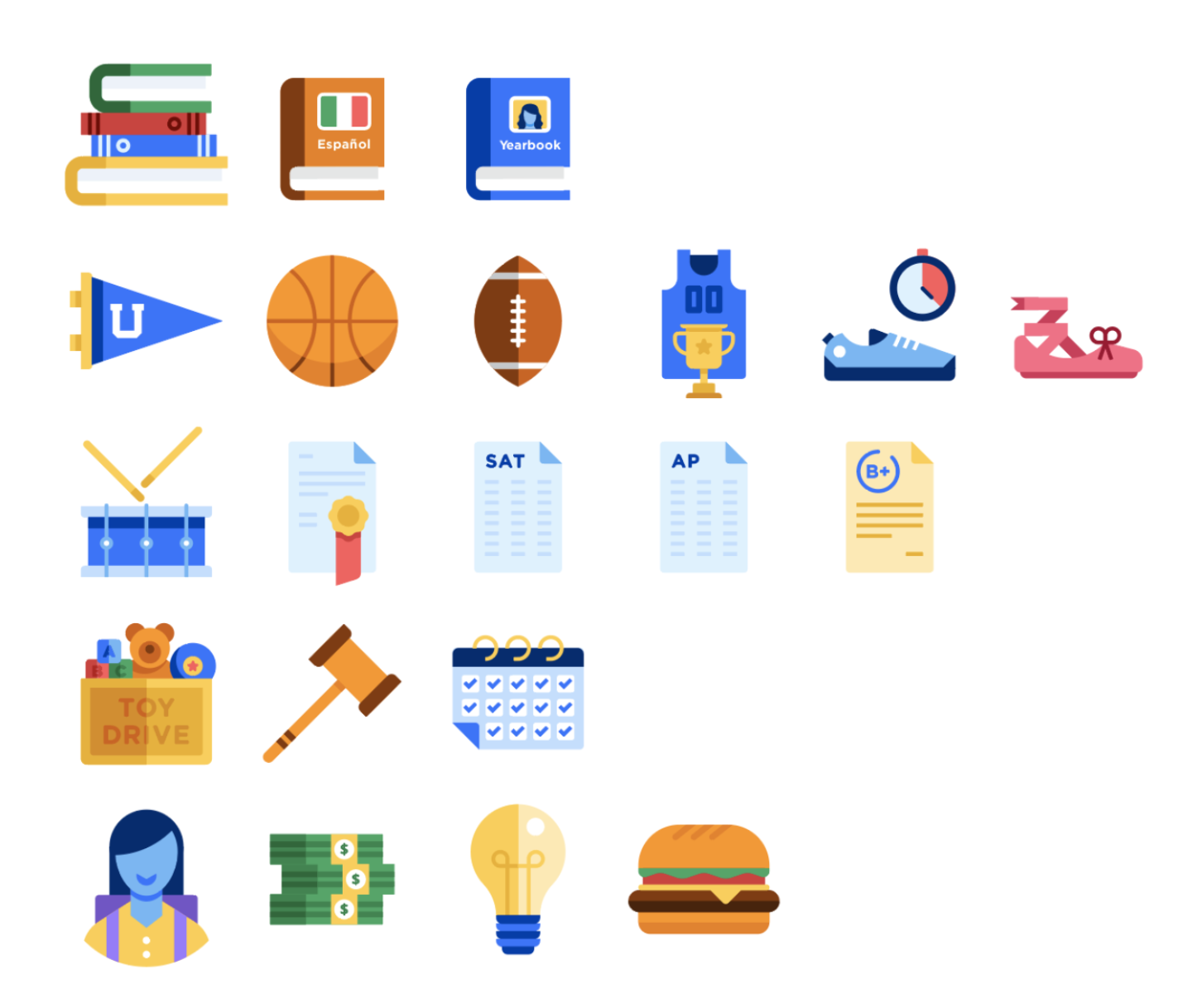
Illustrations by Tim Moore
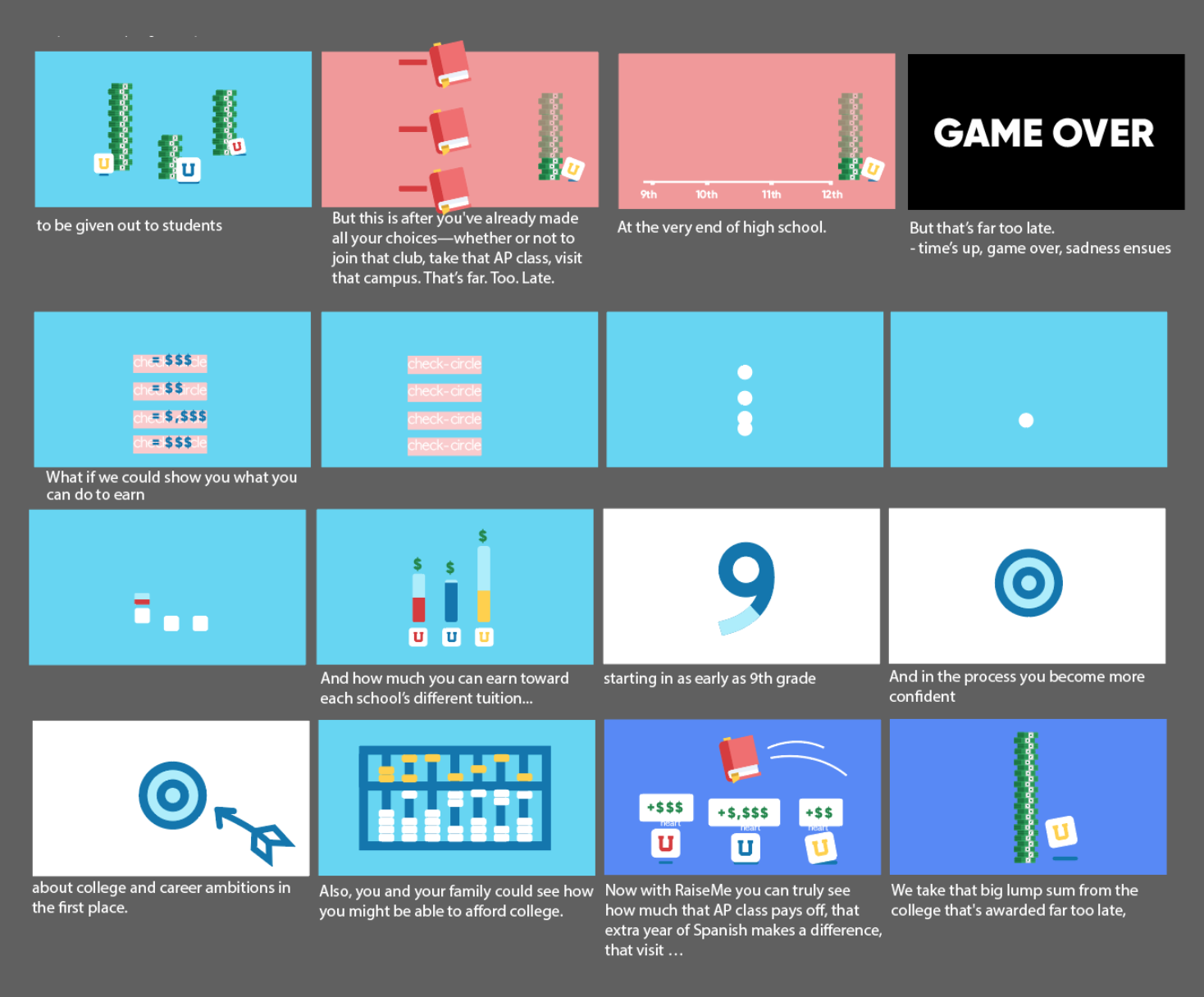
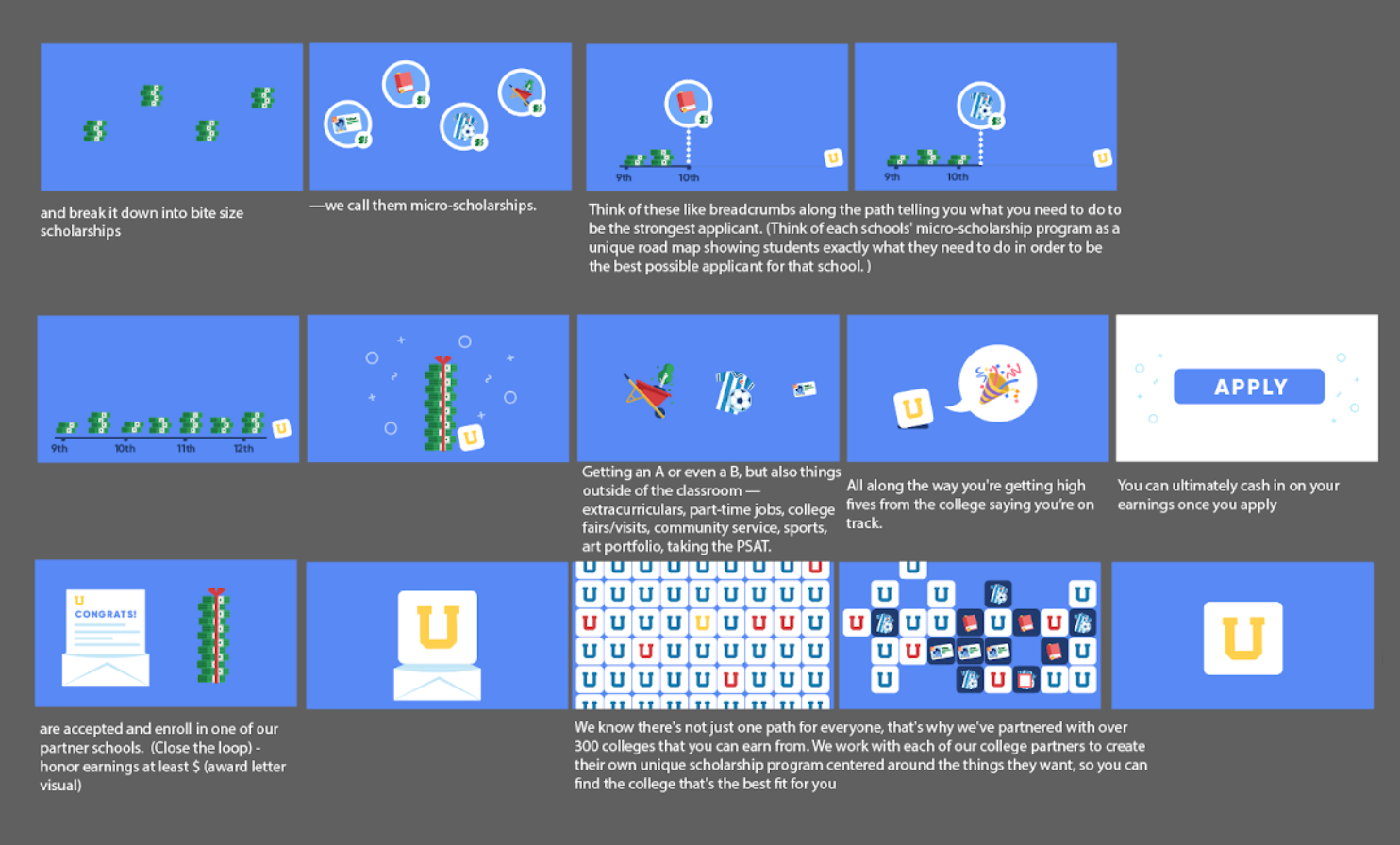
I continued to prove out concepts from the whiteboard as more detailed storyboards.
I also supported the Product Manager with the check-in and approval process on storyboards and script with stakeholders and all cross-functional leads.
Development
Animation
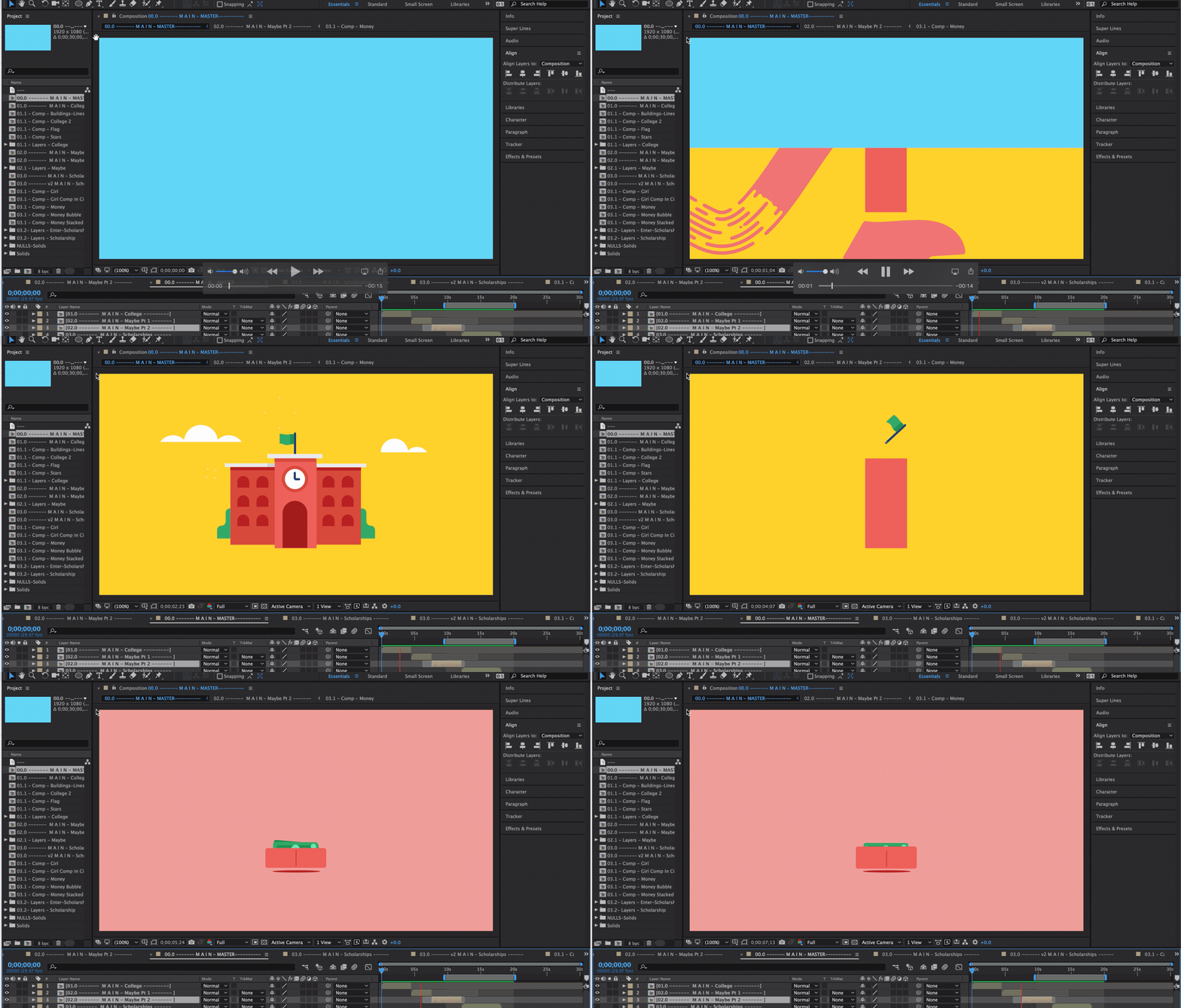
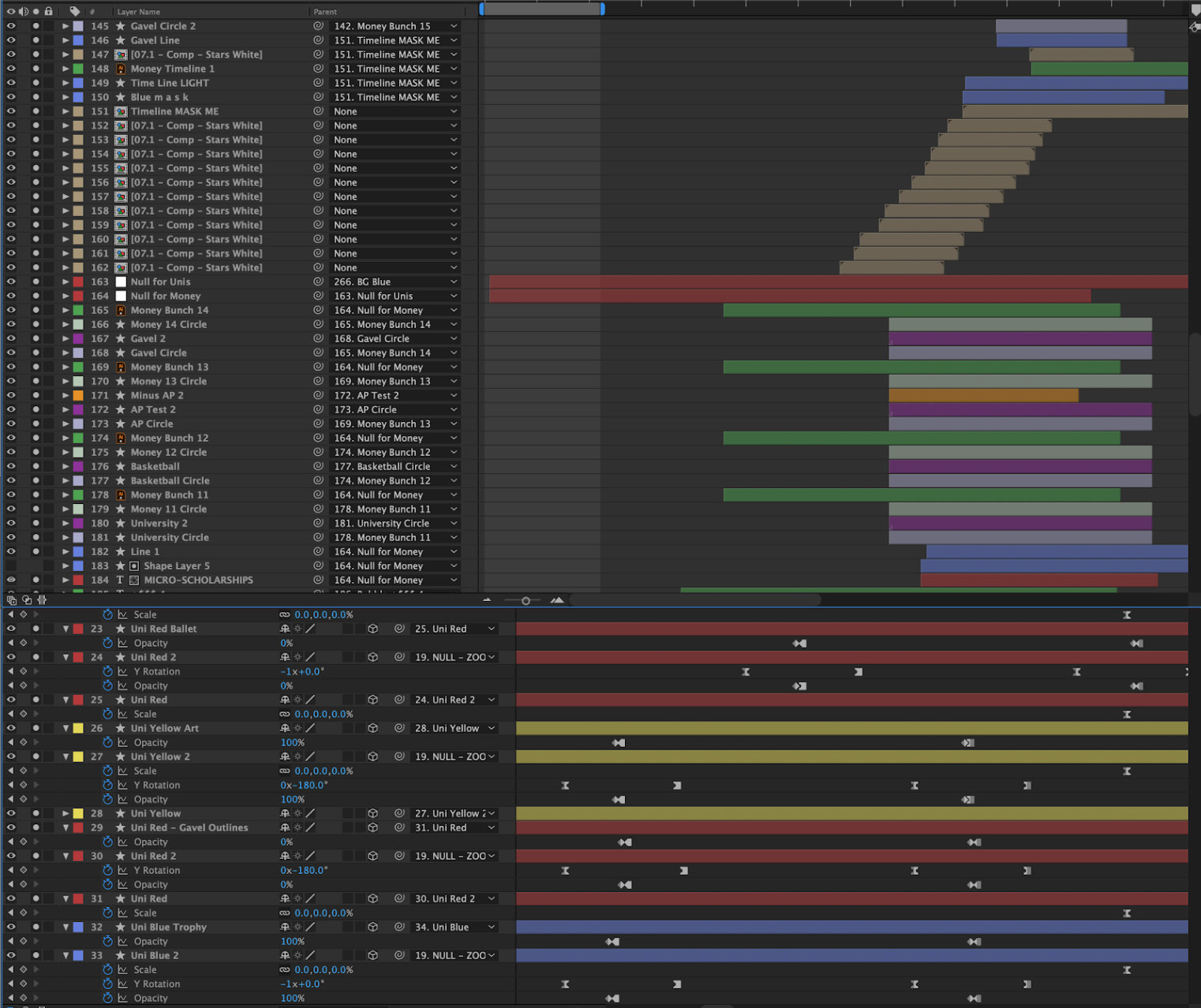
Next I prepared the the files to be imported, i.e., refined layouts and organized design elements for grouped animations for Adobe After Effects.
Audio
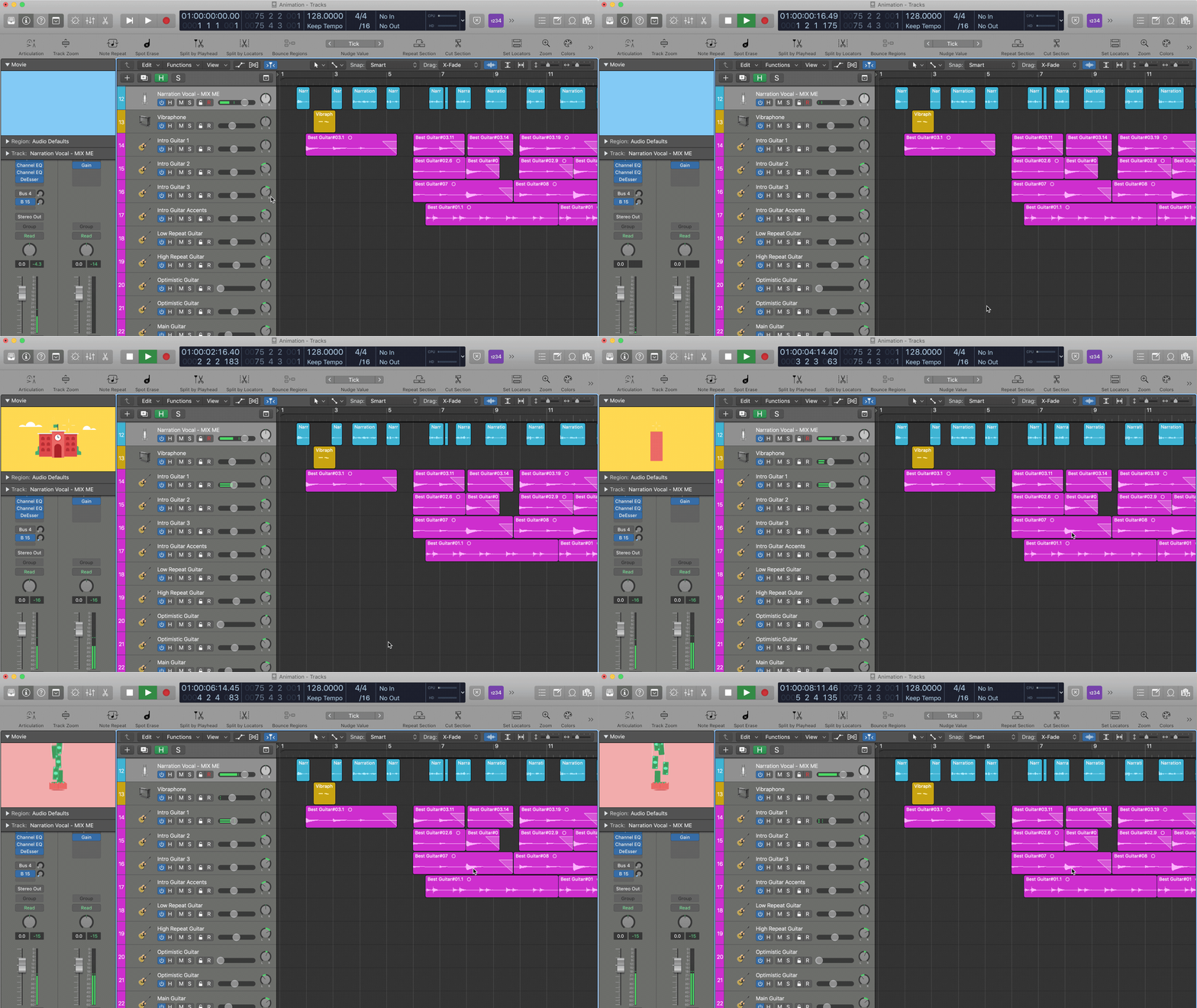
The PM made a recording of her reading the script with the correct pauses and inflections. I took that and recorded the voice over in Logic Pro. We also researched background tracks to use for the video, but ultimately decided on having me write and record an original composition specifically for the video.
Animated Logo
To end the video, I wanted the logo to have its own signature animation. When designing the logo the year before, my goal was to utilize the flexibility of its simple shapes as motifs. I worked with the Marketing Director on the right tone of animation and length.

Launch
For launch, I worked closely with the Marketing Lead and PM with our launch plan. This included adding it to the Help Center, our Educator portal, email footers, and more. I designed the video’s cover image for YouTube, while checking on with the Marketing Lead and adjusting based on her feedback.
I unveiled the new explainer video at our weekly All-Hands to the company and it got a standing ovation. Marketing began using the video in its email signatures and our Business Development team would send it to prospective partners as an addition to discussions.
Results
After launching in August 2019, the video has over 44.6K views on Youtube and over 440 “Likes”
We missed our goal of support ticket reduction by 1% after the first 3 months due to launch delays of student-centered campaigns, but met our goal 5 months post-launch. It is currently used as an explainer tool to students, teachers, parents and colleges.
I proved myself as an effective cross-functional collaborator that can work across mediums and professions
The Outreach team now includes it in their on-boarding package because it received such positive reviews from teachers